Automate Every Step from Ingest to Delivery

Define triggers, chain actions, and let Unity handle the repetitive work — so your team can focus on quality, not file wrangling.

From File Drop to Final Delivery

Every step in your captioning and translation pipeline can be automated. Here's how a typical file flows through Unity.

Ingest

Upload or watch folder

Transcribe

Speech-to-text AI

Translate

Machine Translation

Transcode

Format conversion

QC

Automated checks

Delivery & Export

Multi-platform push

Your Rules, Your Workflow

Define custom "Trigger → Action" logic to match your exact process. When a file is uploaded, tagged, or reaches a status — Unity can automatically kick off transcription, notify a team member, schedule a transcode, or push to delivery.

Chain actions together to build complex workflows without writing code. If you need more power, the REST API gives you full control.
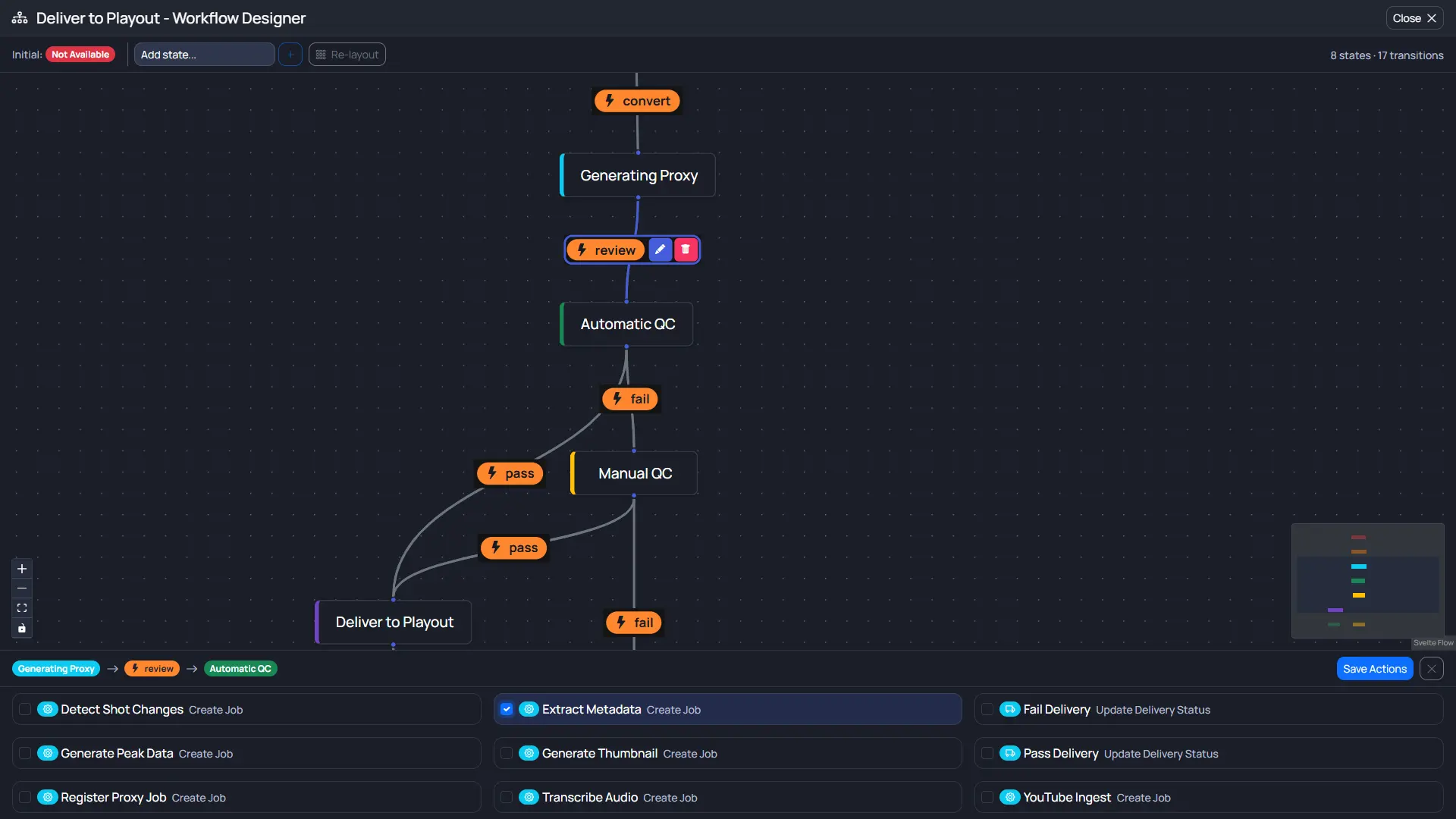
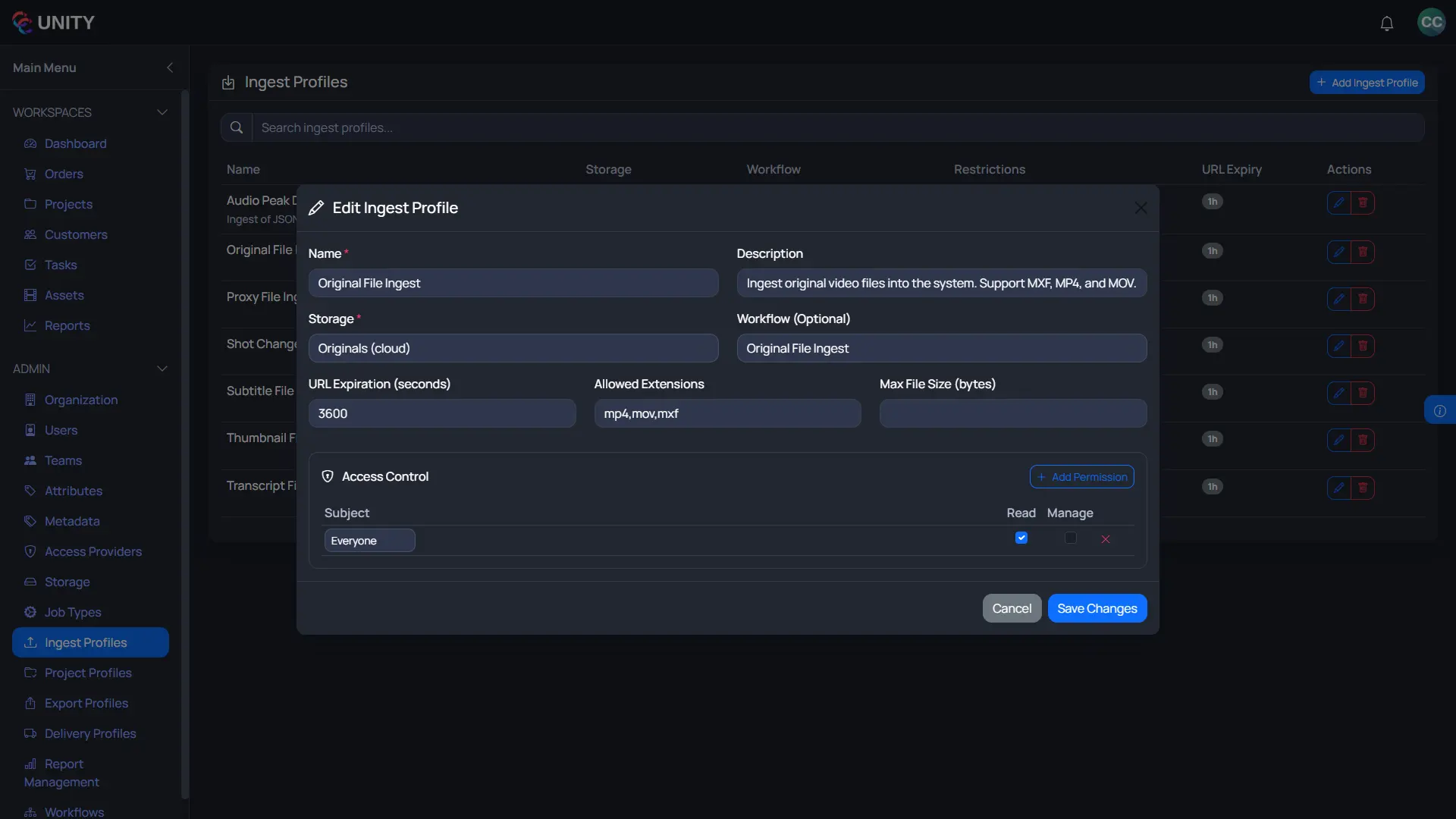
Custom Automation Actions

Files Trigger Everything

The moment a file lands in Unity, the platform starts working. Automatic transcription with best-in-class speech engines. Machine translation into dozens of languages. Proxy generation for instant preview.

Every trigger is configurable. Choose which file types, folders, or metadata values activate each workflow — and build as many pipelines as you need.

Automatic Workflow Triggers

Ready to Automate Your Pipeline?

See how Unity's automation engine can eliminate manual steps and help your team stop managing spreadsheets and start delivering faster.

Schedule a Demo